Collect and visualize
knowledge from the WEB

Highlight fragments on websites and turn them into visual maps, diagrams and strategies.
No registration · Free · Works in Chrome
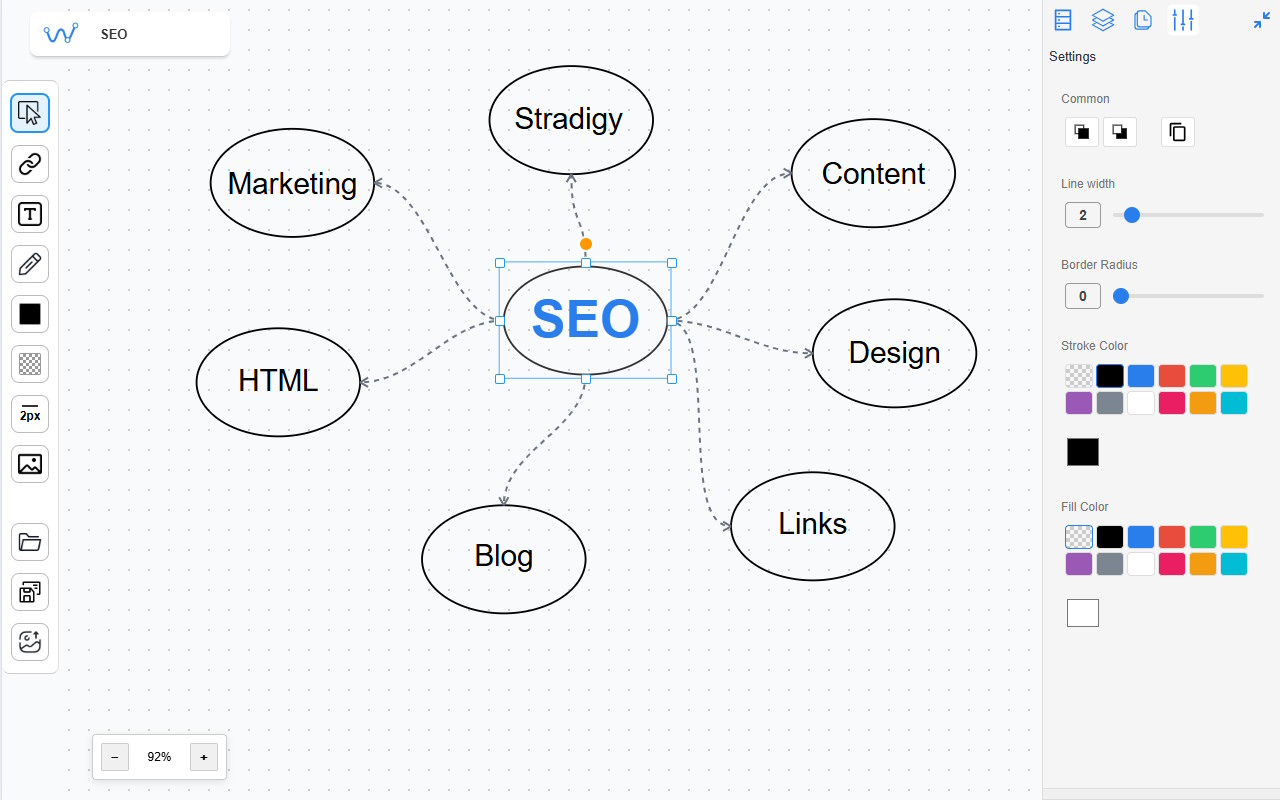
wnote interface

From Reading to Visual System

Step 1

Collect

Add notes and save fragments from any web page

Step 2

Organize

Transfer data to a single space and structure it

Step 3

Visualize

Create mind maps, diagrams and visual schemes

Why it's convenient

Don't lose information Everything in one place Structure instead of chaos

Features

Everything you need for working with web annotations in one extension

Annotation Mode

  • Text highlighting with 7+ colors support
  • Text notes directly on the page
  • Freehand drawing mode
  • Auto-save all annotations
  • Export to PDF (visible area or entire page)
  • Hotkeys for quick access

Research Mode

  • Page fragments collection
  • Text blocks
  • Page areas
  • Images

Diagrams Mode

  • Visual diagrams and schemes
  • Fragments from the bank
  • Formatted text blocks
  • Geometric shapes (circle, rectangle, triangle, line and arbitrary line)
  • Images (local or by URL)
  • Canvas export to PNG/SVG

Ready to start?

Install WNote and turn the internet into a thinking tool

Pricing

Choose the right plan and start creating annotations today

Free

Basic features for everyday use

$0
  • Full annotation features
  • Basic shapes and text
  • 3 research canvases
  • Export to PNG/SVG
  • Up to 500 annotations per month
Start for free
Popular

Pro

Full features for advanced users

$5
/month
No renewal payment
  • Unlimited number of canvases
  • Unlimited annotations
  • Canvas export to file
  • Priority support
Buy Pro
Early bird

Unlimited

Lifetime access for the first 200 users

$30
one-time
  • All Pro features forever
  • All future updates included

Keys left: 200 of 200

Buy Unlimited